
Welcome to the mid-way point of 2026. If you’re still designing apps the way we did in 2023, with static wireframes, rigid user personas, and a "hope they find the menu" strategy, you aren't just behind; you’re invisible.
The industry has hit a massive Inflection Point. We’ve moved past the "Chatbot Era" into the Ambient Intelligence Renaissance. Users no longer want to use your app; they want your app to work for them before they even tap a button. At NV Seeds, we’ve spent the last few years delivering over 500+ successful projects, and we’ve seen a 98% client satisfaction rate because we stopped designing interfaces and started designing intent.
The "standard" industry advice? It's useless. "Make it pretty" is a given. "Make it fast" is a requirement. If you want to survive the 2026 digital landscape, you need the "agency secrets" that separate the market leaders from the noise.
Here are the 5 AI-driven UI/UX secrets that will make your app experience unforgettable.
1. Predictive "Step-Zero" Onboarding
Think of your current onboarding flow. Is it a 5-screen carousel of "Welcome" messages followed by a massive form? That’s 20th-century thinking.
The Secret: Use AI to handle the "Step-Zero", the actions a user would normally have to take before they even start. By June 2026, top agencies are using Ambient AI to pre-fill fields based on inferred intent, device data, and behavioral patterns.
The Metaphor: It’s like a world-class valet service. You don't ask the guest where the steering wheel is; you open the door, have the seat adjusted to their height, and the GPS already set to their home address.
- How it works: AI analyzes the user's entry point (e.g., an ad click vs. an organic search) and dynamically adjusts the onboarding questions.
- The ROI: Agencies implementing predictive onboarding are seeing a 35% uplift in activation rates and a massive reduction in "time-to-first-value."
2. The Death of Static Breakpoints (Real-Time Adaptive UI)
We used to design for "Mobile, Tablet, and Desktop." That’s dead. In 2026, we design for Contextual States.
The Secret: Modern apps use Real-Time Adaptive Interfaces. Instead of static layouts, the UI reshapes itself based on the user's current environment. If your user is walking, the buttons get larger and navigation moves to the bottom for thumb-reach. If they are in a quiet room at 11 PM, the app shifts to a "Calm UI" mode with reduced motion and soft contrast.
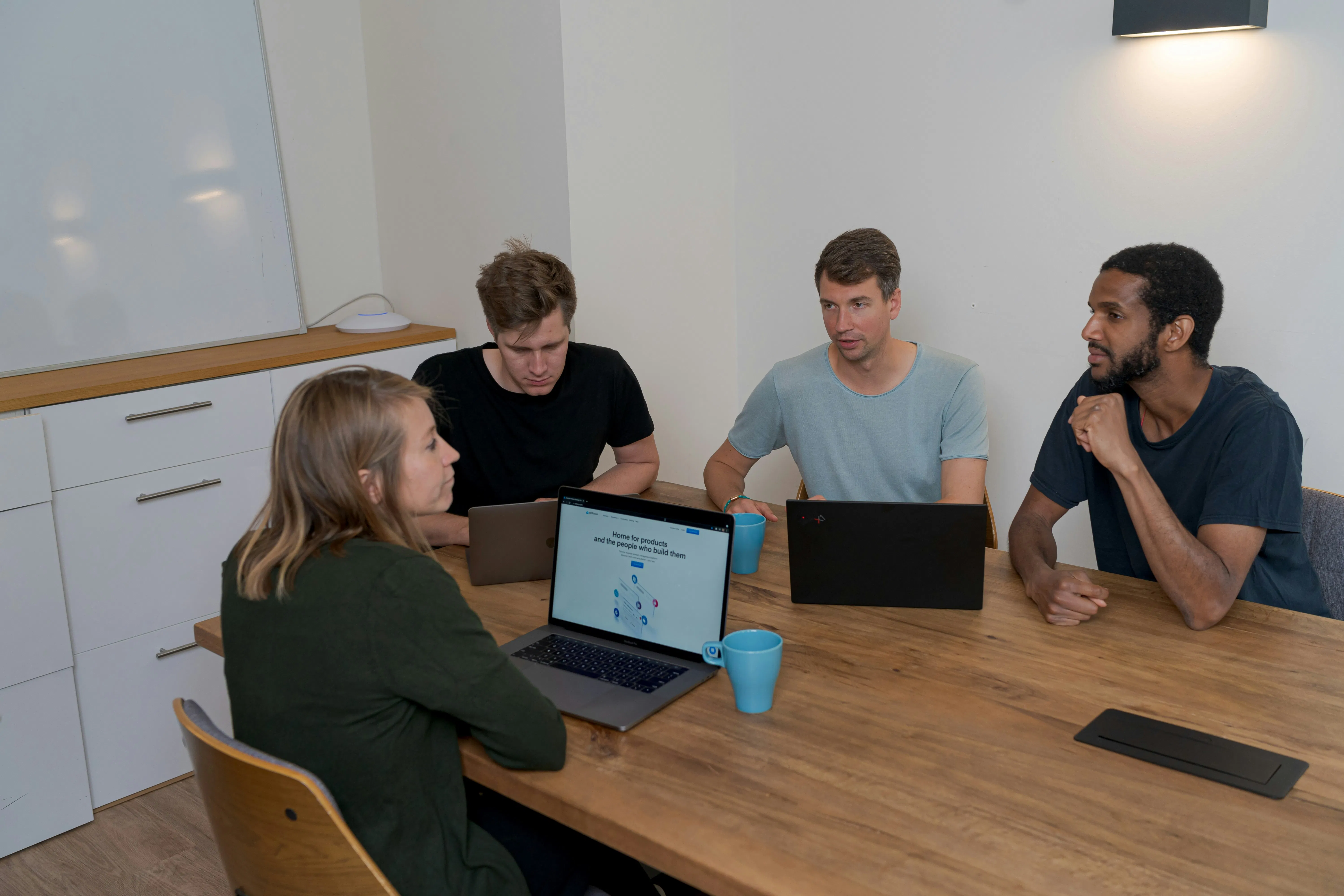
(Witty but true: If your app's layout looks exactly the same in a crowded subway as it does in a home office, you're annoying half your users.)
The "Adaptive" Checklist:
- Dynamic Grids: Does the layout reorder components based on feature usage frequency?
- Context Awareness: Does the app detect motion, ambient light, or even user stress (via interaction speed)?
- Dissolving Menus: Do toolbars hide automatically when the AI predicts the user is in "Deep Read" mode?
3. Moment-Based Personalization (Beyond the Persona)
Generic "User Personas" like Marketing Mary are a relic of the past. Today, we design for Micro-Moments.
The Secret: AI-driven UX now personalizes the experience based on the moment, not the person. Is the user in a "Hurry" moment? Shorten the flow. Are they in a "Discovery" moment? Surface deep-dive content.
At NV Seeds, we integrate AI/ML layers that categorize every session into one of six "Intent States." This ensures the app speaks to the user’s specific anxiety or goal at that exact second.
| Interaction Type | AI UX Response | Business Impact |
|---|---|---|
| High Friction (Errors) | Instant "Do it for me" prompt | Prevents Churn |
| Repetitive Action | Automated Macro suggestion | Increases Efficiency |
| Browsing/Idle | AI-curated discovery feed | Boosts Engagement |
4. AI-Native Accessibility & The "Calm UI"
Accessibility used to be a "nice-to-have" checklist. In 2026, it’s an AI-automated powerhouse.
The Secret: We use AI to create Invisible Accessibility. Instead of a toggle for "High Contrast," the app’s AI monitors the user’s interaction. If it detects squinting or repeated missed taps, it automatically adjusts font weights, contrast ratios, and button sizes without the user ever asking.
This leads to a Calm UI. We’ve moved away from "Attention Economy" designs that scream for clicks. We now use progressive disclosure where the AI hides 90% of the interface, only surfacing what is needed for the current task.

5. Continuous UX Evolution (The Living Product)
The old "Launch and Iterate" cycle is too slow.
The Secret: Top agencies treat the UI as a Living System. By using AI-based analytics, the interface continuously optimizes itself. It runs thousands of micro-A/B tests every hour, shifting a button's color by 2% or moving a headline by 5 pixels based on real-time conversion data.
The Bottom Line: Your v1 launch is just the beginning. By week 4, the AI should have evolved your UI into a v1.4 that performs 15% better than what you originally designed. This is why our application development process focus heavily on scalable cloud infrastructure, to handle this constant evolution.
Case Study: The "Adaptive FinTech" Revolution
In early 2026, a global SaaS enterprise partnered with us to redesign their complex financial dashboard.
- The Problem: Users were overwhelmed by 40+ metrics, leading to a "paralysis of choice."
- The AI Solution: We implemented an Ambient Intelligence Layer. The dashboard now starts empty. As the user performs tasks, the AI "summons" only the relevant widgets. If a user is checking "Quarterly Growth," the "Payroll" widgets stay hidden.
- The Result:
- 42% increase in task completion speed.
- 60% reduction in support tickets related to "finding features."
- 12% boost in user retention within the first 90 days.
Your 90-Day AI-UX Playbook
If you want to implement these secrets, don't try to boil the ocean. Follow this playbook:
- Days 1-30: Instrument for Intent. Stop tracking clicks; start tracking hesitation. Use AI tools to identify where users pause or backtrack.
- Days 31-60: The "Ambient" Pilot. Pick one high-friction flow (like signup or checkout) and add AI pre-filling and predictive help.
- Days 61-90: Deploy Calm UI. Audit your interface. Remove 30% of the visible buttons and replace them with contextual, AI-triggered actions.
FAQ: The Human Side of AI Design
Q: Won't AI make all apps look the same?
A: Actually, the opposite. Since the UI adapts to your behavior, every user’s version of the app looks unique. It’s the end of the "Cookie Cutter" era.
Q: Is this expensive to implement?
A: Think of it as an investment in ROI. While the initial setup of an AI/ML layer has a cost, the reduction in churn and increase in conversion typically pays for itself within 6 months.
Q: How do we handle user trust?
A: Transparency is key. We follow the "Transparent AI UX" rule: If the AI makes a major change or suggestion, we provide a tiny "Why this?" tooltip. Clarity builds trust; "Magic" builds suspicion.
Q: Can we retro-fit an old app with these secrets?
A: Yes. You don't need a full rebuild. We often start by adding an "Ambient Layer" on top of existing legacy systems as part of a digital transformation strategy.
Ready to Build the Future?
The difference between a "good" app and an "unforgettable" experience is the intelligence behind the pixels. At NV Seeds, we don't just write code; we transform visions into digital powerhouses.
Hire our expert developers today and let's start building your 2026-ready application.
Leave a Reply